
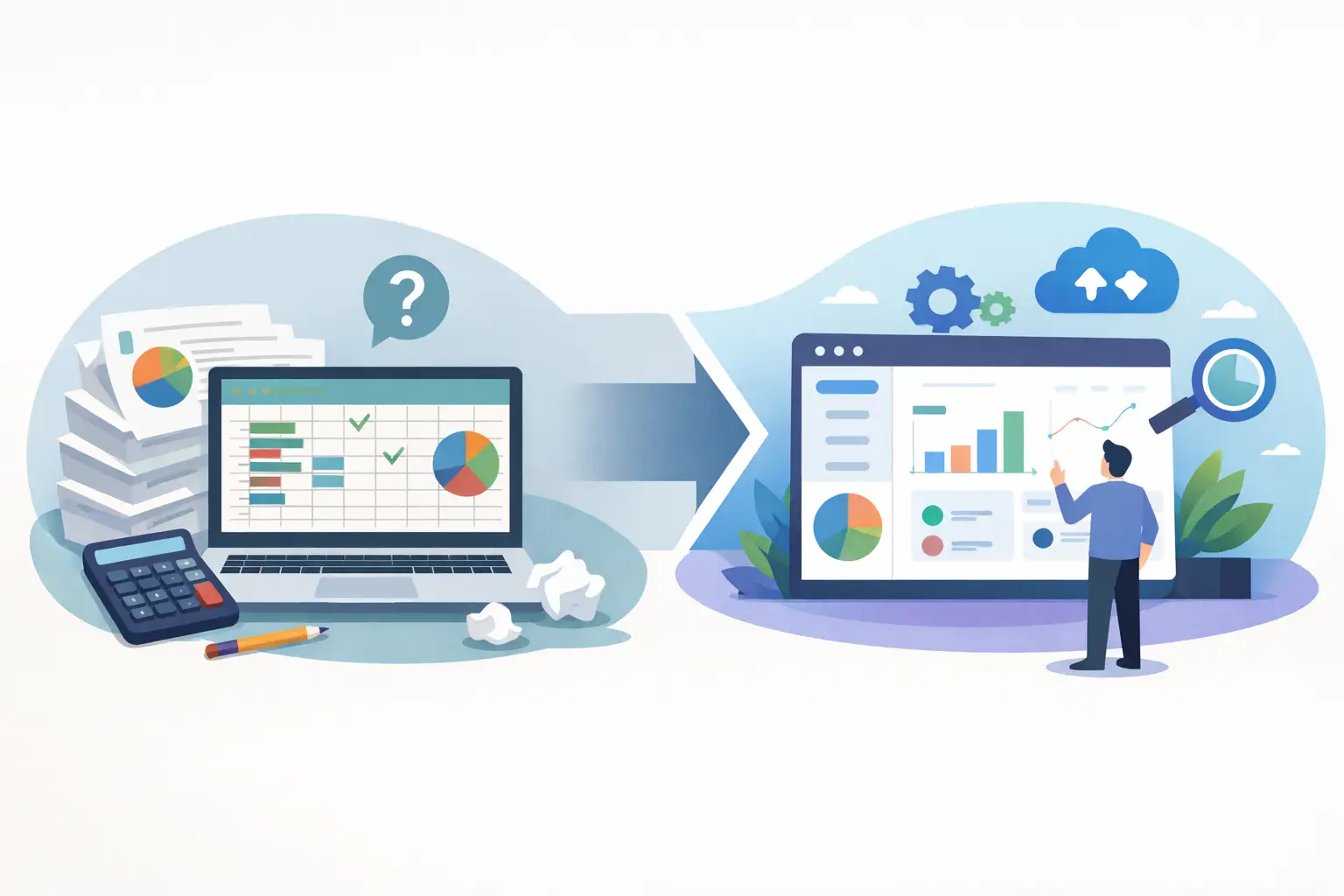
The spreadsheet usually starts life as a sensible fix. One file tracks jobs. Another logs orders. A third helps with stock, reporting or invoicing. For a while, it works. Then the business grows, more people get involved, and the cracks start to show. That is usually the point where it makes sense to replace spreadsheets with software – not because spreadsheets are bad, but because they are being asked to do a job they were never designed for.
This matters most in businesses that have grown through practical decisions rather than formal system design. A team builds workarounds because they need to keep things moving. Someone creates a master spreadsheet. Another person adds a tab. A process gets passed around by email. Before long, key operations depend on files that only a few people really understand.
The problem is not simply inconvenience. Spreadsheet-led operations create hidden cost. Staff spend time rekeying data, checking versions, chasing updates and fixing avoidable mistakes. Management decisions are made using information that may already be out of date. Good people end up doing low-value admin because the system around them is held together by habit.
Why businesses replace spreadsheets with software
The tipping point usually comes when spreadsheets stop being a tool and become the system. That is when the file is no longer supporting the process – it is the process. If one person is off sick and nobody else can update the tracker properly, you have a risk. If teams are copying the same details into three different places, you have inefficiency. If customers experience delays because internal information is scattered across files, inboxes and separate apps, you have a commercial problem.
Spreadsheets are excellent for analysis, quick modelling and lightweight record keeping. They are far less reliable as the backbone of day-to-day operations. They do not naturally control who sees what, guide users through the correct steps, connect data cleanly across departments or provide dependable audit trails without a lot of manual discipline.
That is why replacing spreadsheets with software is often less about technology and more about control. A well-designed system gives the business one agreed way of working. It reduces the number of decisions people need to make about where data goes, which version is right, and what should happen next.
The real signs you need to replace spreadsheets with software
Many businesses wait too long because the existing setup is familiar. Familiar, however, is not the same as efficient.
A common warning sign is duplication. If your team enters the same information into a spreadsheet, an accounting package and a CRM, there is a good chance the process is wasting time and introducing errors. Another sign is dependency on individuals. If certain reports, updates or reconciliations only happen when one person does them manually, the business is exposed.
You may also see process drift. Different departments keep their own versions of the truth. Sales records one thing, operations another, and finance works from a separate export. Meetings then revolve around comparing numbers rather than making decisions.
There is also the issue of scale. A spreadsheet that worked for 20 jobs a month often fails at 200. More rows do not just mean more data. They mean more exceptions, more handoffs, more users and more chances for something to be missed.
None of this means you need a huge software project. It means the process deserves proper support.
What software should replace a spreadsheet process?
This is where many businesses get stuck. They know the spreadsheet setup is no longer right, but the alternatives seem equally unappealing. Off-the-shelf software can be too rigid. Large platforms can be expensive, bloated or difficult to adapt. A bespoke system sounds attractive, but some worry it will be slow, risky or complicated.
The right answer depends on the shape of the process.
If the work is fairly standard and your business can comfortably adapt to a proven product, an off-the-shelf system may be enough. If the process is central to how you operate, includes exceptions, approvals, handovers or client-specific rules, then a tailored system is often the better fit. The goal is not to build something flashy. It is to create software that matches the way the business actually works, while removing the manual effort and inconsistency that spreadsheets create.
That often means combining a few practical elements. A central database replaces scattered files. Simple forms replace free-text updates. Workflow rules make sure tasks move to the right person at the right time. Integrations reduce rekeying between systems. Reporting comes from live operational data rather than a manually prepared summary at the end of the week.
Start with the process, not the screens
One of the biggest mistakes in projects like this is jumping straight to features. The better place to start is with the operational problem.
What is happening today? Where does work enter the business? Who touches it? Where are the delays, repeat entries, decisions and failure points? What needs to be visible, by whom, and when? Which exceptions matter commercially, and which are simply artefacts of a clumsy process?
Good system design is usually less glamorous than people expect. It is about removing friction. In practice, that often means simplifying before building. Some spreadsheet processes become complex because the business has spent years compensating for poor tools. Once the underlying workflow is reviewed properly, parts of it can often be reduced, standardised or automated.
This is where having one person who understands both the business process and the technical solution makes a genuine difference. It avoids the usual gap between someone documenting requirements and someone else trying to interpret them later. For many growing firms, that directness saves time and reduces the chance of ending up with software that technically works but does not help.
What a sensible replacement project looks like
The best projects do not try to fix everything at once. They identify the highest-friction process and improve that first.
That could be job tracking, quote-to-order handling, stock control, field operations, client onboarding or internal approvals. The point is to choose an area where the current spreadsheet setup creates regular admin, delay or risk. Once that is clear, the next step is to define what better looks like in practical terms. Faster updates? Fewer handoffs? Clearer ownership? Less rekeying? Better reporting?
From there, a workable solution can be designed around actual use. Not abstract requirements, but the real actions people take every day. Create a record. Assign a task. Upload a document. Trigger a follow-up. Update a status. Send information to another system. Those are the details that make software useful.
Delivery should also be staged. Build the core workflow first. Test it with real users. Adjust it where needed. Then add the supporting automation, integrations and reporting. This approach keeps risk low and gives the business something useful sooner.
The trade-offs to think about
Replacing spreadsheets with software is usually the right move once operational dependence becomes too high, but it is not magic.
Software introduces structure. That is the point, but it also means people need to adopt a clearer way of working. If your process changes every week, or if nobody agrees on how work should flow, systemisation will expose that. In most cases that is helpful, though it can be uncomfortable at first.
There is also an investment decision. A proper system costs more upfront than carrying on with spreadsheets. The real comparison, however, is not against free software. It is against the cost of wasted admin time, inconsistent data, slow reporting, customer friction and management effort spent patching preventable problems.
Bespoke software also needs sensible scope. Not every irritation deserves custom development. Sometimes a straightforward integration or a better-configured existing platform is enough. The value comes from solving the right problem at the right level, not from building more than the business needs.
Better systems should feel simpler
When a spreadsheet-heavy business moves to the right software, the biggest change is often not dramatic automation. It is clarity.
People know where information lives. Tasks move in a consistent way. Managers can see what is happening without asking for updates. Errors fall because the process no longer relies on memory and manual checking. Reporting stops being a monthly fire drill.
That is the standard worth aiming for. Not digital transformation for its own sake, but a business that runs with less chasing, less duplication and fewer fragile workarounds. If your operation is being held together by tabs, formulas and good intentions, replacing that with properly designed software is not an indulgence. It is often the most practical next step.
And if you are wondering whether your spreadsheets are still a tool or have quietly become the system, you probably already know the answer.