
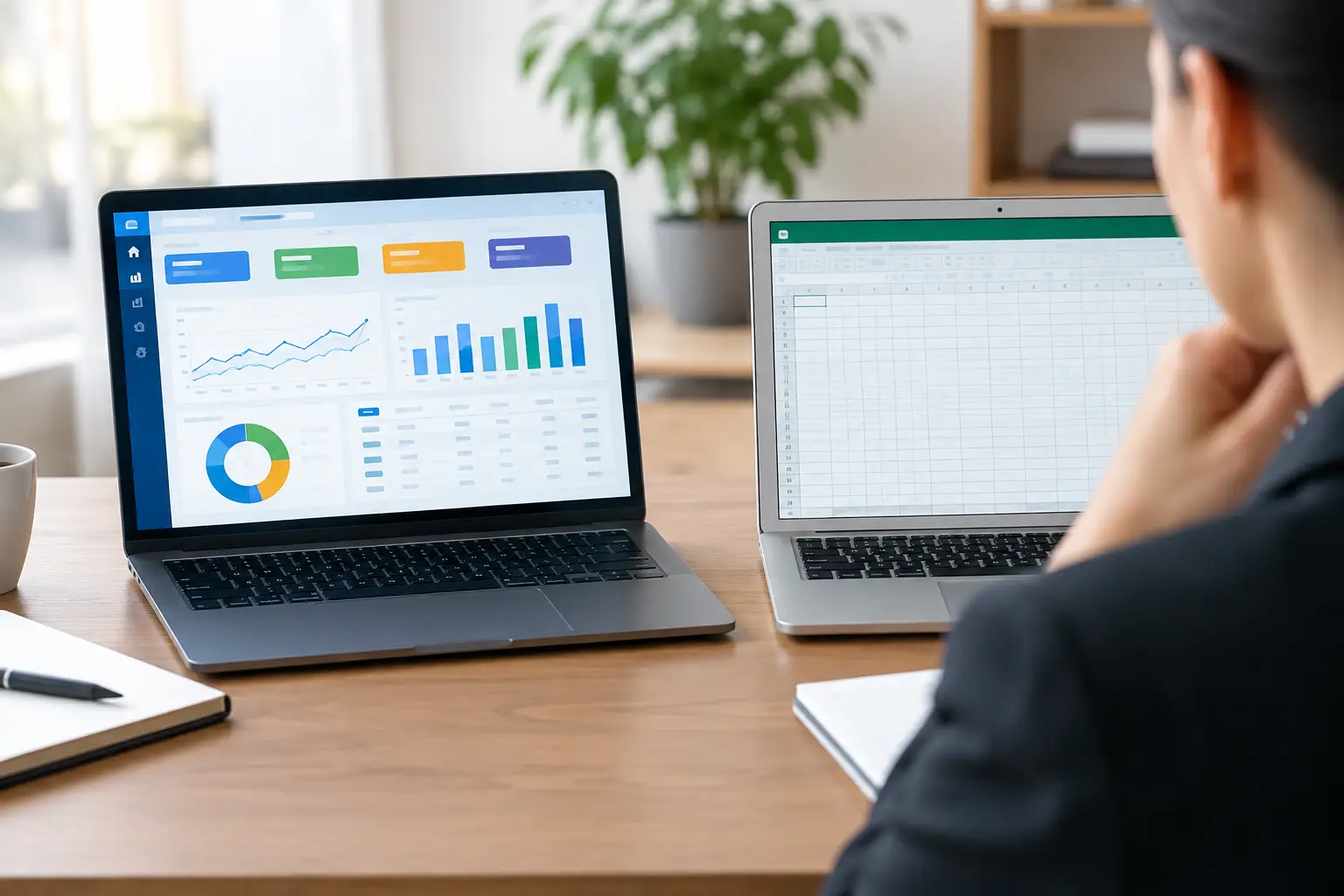
A monthly reporting pack that takes three days to prepare is rarely just a reporting problem. It usually means information is being copied between files, checked by hand and chased from different people. The question of ERP versus spreadsheets comes up at this point, often framed as a choice between carrying on as you are or buying a large, all-encompassing system.
That is too narrow a view. Spreadsheets and ERP systems solve different problems, and neither is automatically the right answer. The useful question is: what work is currently difficult, risky or expensive to manage, and what is the simplest system that will make it reliable?
Why spreadsheets become a problem
Spreadsheets are not inherently bad. They are quick to create, familiar to most teams and excellent for one-off analysis, estimates, simple modelling and early-stage processes. A well-built spreadsheet can be exactly the right tool when one person owns it, the data set is modest and the process does not need to run continuously.
The difficulty starts when a spreadsheet becomes the operational system. A sales tracker turns into a quoting tool. A stock list becomes the source of truth for purchasing. A set of tabs becomes the production plan, customer record and management report. Before long, several versions are being emailed around or stored in different folders, with each department maintaining its own view of the same information.
At that point, the issue is not that Excel or Google Sheets lacks clever features. It is that the business is relying on files to coordinate work between people. Files do not enforce a process particularly well. They do not naturally show who changed a value, prevent duplicate customer records or prompt someone when an approval is overdue. They can do some of these things, but usually through increasingly fragile formulas, macros and manual discipline.
The cost is often hidden. Staff spend time rekeying information, comparing versions, correcting avoidable mistakes and answering questions that a shared system should answer immediately. Leaders make decisions using reports that may already be out of date. The team becomes cautious about changing anything because nobody is fully sure what depends on it.
ERP versus spreadsheets: the real trade-off
An ERP, or enterprise resource planning system, brings core business activities into a central application. Depending on the product and configuration, that may include finance, purchasing, stock, sales orders, projects, production, customer records and reporting. The central promise is straightforward: enter data once, then use it across the process.
For businesses with established, standard processes, an ERP can provide control that spreadsheets struggle to deliver. It can set permissions, track activity, connect transactions and create a consistent record of what has happened. If an order is confirmed, stock is allocated, purchasing is triggered and finance can see the commitment without someone updating four separate documents.
That does not mean an ERP is a cure for every operational problem. It can be costly to licence, implement and maintain. More importantly, it may require the business to work around the system’s model of how things ought to be done. This is reasonable when the process is genuinely standard. It is less helpful when your competitive advantage comes from handling jobs, customers or workflows differently from everyone else.
Spreadsheets offer flexibility but little control at scale. ERPs offer control but can reduce flexibility and introduce significant overhead. The right choice depends on the nature of the work, not simply the number of employees or the size of the spreadsheet.
When a spreadsheet is still the sensible choice
Keep the spreadsheet when it supports analysis rather than runs the operation. For example, a director may use one to test pricing scenarios, forecast cash flow or compare supplier quotes. Those are judgement-led tasks where the model may change frequently and the output is reviewed by a small number of people.
A spreadsheet may also be appropriate for a short-lived process, provided there is clear ownership and no need for several teams to update it at once. The key is to avoid treating it as a permanent database. If it contains customer, job or stock information that other people depend on daily, it deserves closer scrutiny.
When an ERP is a strong fit
An ERP is worth serious consideration when the business needs broad, tightly connected control across standard functions. Common examples include a distributor managing large volumes of stock and purchase orders, a manufacturer with defined production and traceability requirements, or a multi-site business that needs consistent financial and operational reporting.
It is particularly useful where the cost of an error is high. Incorrect stock availability, missed compliance steps, poor batch tracking or delayed invoicing can affect margins and customer confidence quickly. A properly implemented ERP can make these processes more dependable.
However, implementation should begin with process decisions, not a software demonstration. If the underlying process is unclear, moving it into an ERP can simply make the confusion more formal and more expensive to change.
The option often missed: a focused business system
There is a useful middle ground between an expanding collection of spreadsheets and a full ERP programme. Many growing businesses need a purpose-built operational system that handles the few processes causing the most friction, while connecting to existing accounting, CRM or stock software where sensible.
For example, a service business may need a central place to manage enquiries, site visits, quotations, job scheduling, subcontractor updates, variations and invoicing status. An ERP might cover some of this, but it could also introduce modules the business will never use. A bespoke platform can reflect the actual workflow, capture information once and give each person the view they need.
This approach is not about building software for the sake of it. It is about deciding where a tailored process creates a practical advantage and where established software should remain in place. There is no prize for replacing a good accounting package, nor for forcing every task into one system.
A focused system is often easier to introduce because it can be delivered in stages. Start with the process that wastes the most time or creates the greatest risk. Prove it works with the people doing the job. Then extend it as the business gains confidence and the next bottleneck becomes clear.
How to make the decision without buying too much
Start by mapping one process from beginning to end. Choose something visible and painful: converting an enquiry into an order, ordering materials for a job, managing a production run or producing month-end information. Follow the data as well as the work. Note every point where someone copies, checks, emails or searches for information.
Then ask three practical questions. First, does this process need one reliable record shared by several people? Second, are the steps standard enough to be managed consistently? Third, would an error, delay or missing update have a meaningful commercial impact? The more often the answer is yes, the weaker the case for a spreadsheet as the main tool.
Next, separate essential requirements from assumptions. “We need to see job profitability before it is too late” is a requirement. “We need a complete ERP because other businesses use one” is an assumption. This distinction prevents a project becoming larger than the problem it was meant to solve.
It also helps to consider ownership. Someone in the business must be able to make decisions about processes, data and priorities. Systems fail when they are treated as an IT purchase rather than a change to day-to-day work. The people using the system should be involved early, because they know where the workarounds and exceptions really are.
Avoid replacing one mess with another
A common mistake is to transfer every spreadsheet column into a new system without asking whether it serves a purpose. Years of informal work tend to accumulate duplicate fields, obsolete statuses and reports nobody reads. Recreating all of it adds cost and makes adoption harder.
The better approach is to retain the information needed to run the business, meet obligations and make decisions, then design simple rules around it. Who creates a customer? What makes a job ready to schedule? Who can approve a discount? When is an invoice raised? Clear answers matter more than a long feature list.
Data migration also needs care. Moving poor-quality data into a new system does not improve it. In many cases, it is wiser to migrate active customers, current jobs and essential history, while keeping older records accessible separately. That reduces risk and gives the new system a cleaner start.
Choose the system that reduces effort
The best result is not necessarily a full ERP, a spreadsheet with more formulas or a bespoke platform. It is a system that removes repeated administration, makes responsibility clear and gives people dependable information when they need it.
If your team spends more time maintaining the process than doing the work the process is meant to support, it is time to look beyond the spreadsheet. Start small, focus on the operational friction that costs you most, and choose technology that fits the business you actually run.