
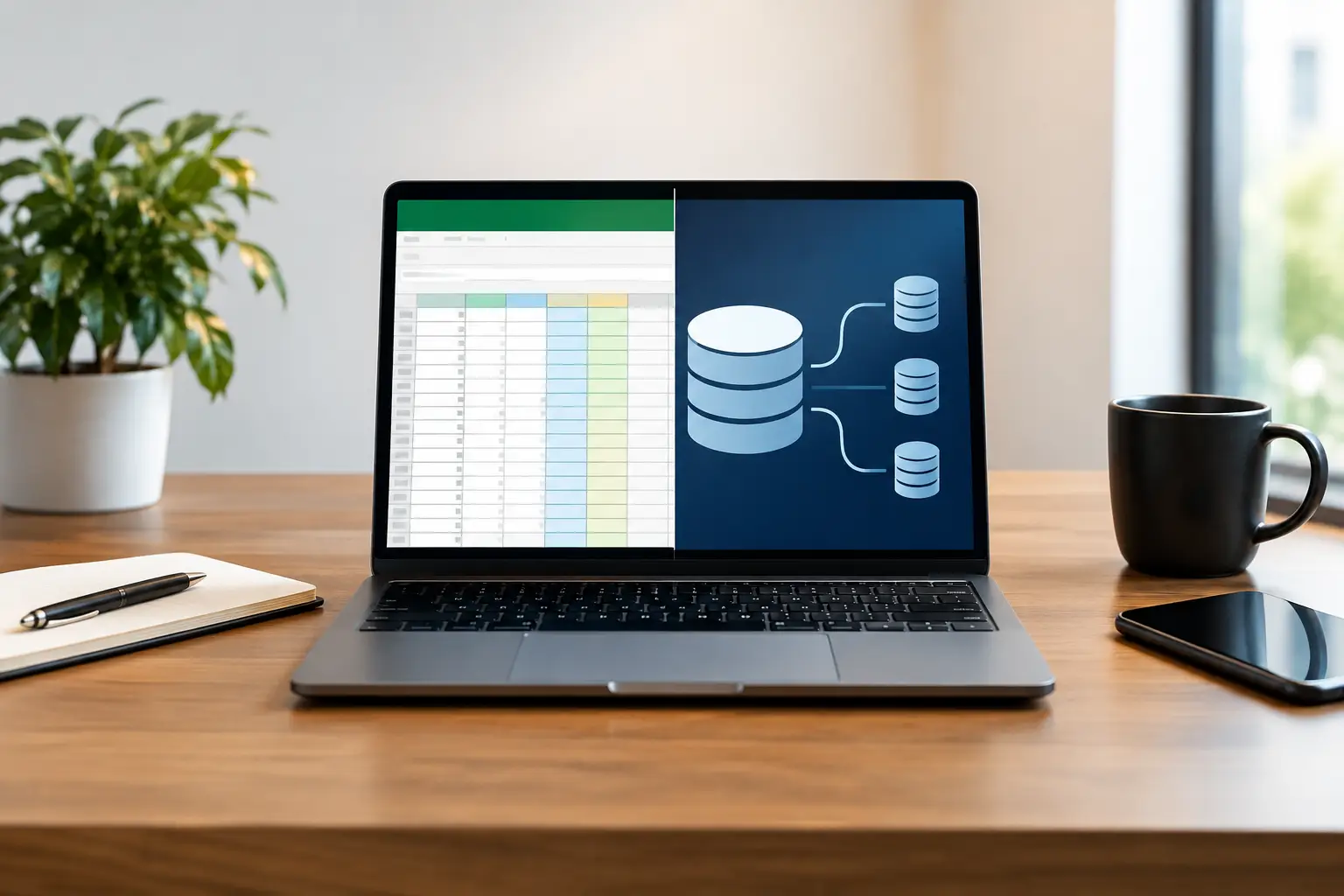
A spreadsheet that once kept a small team organised can become the place where orders are missed, figures disagree and nobody is quite sure which version is correct. The question of spreadsheet versus database systems is not about whether spreadsheets are good or bad. It is about whether the tool still matches the way your business now works.
For many growing businesses, the breaking point is not dramatic. It arrives as a growing collection of tabs, copied files, email attachments and manual checks. Someone spends Friday reconciling numbers. A colleague cannot update a record because the file is open. A customer detail is changed in one place but not another. These are operational problems, not merely software problems.
Where spreadsheets still make good sense
Spreadsheets are familiar, flexible and quick to set up. For a one-off calculation, a simple budget, a short-term project plan or a small dataset managed by one person, they are often the sensible choice. Building a database for a job that genuinely needs only a few formulas can add cost and effort without delivering much benefit.
They are particularly useful when information is exploratory. You may be testing a pricing model, reviewing monthly performance or working through several what-if scenarios. A spreadsheet lets people inspect the maths, alter assumptions and see the effect immediately.
The difficulty starts when a spreadsheet becomes a shared operational system. If it holds the current customer list, tracks jobs through stages, allocates work, creates documents, records stock or drives invoices, it is no longer just a worksheet. It is performing the role of a business application, usually without the controls a business application needs.
Spreadsheet versus database systems: the practical difference
A spreadsheet is primarily a grid for arranging, calculating and reviewing information. A database system stores structured information in connected records. It can then present that information through forms, dashboards, reports and workflows suited to different people and tasks.
That distinction has consequences in day-to-day work. In a spreadsheet, one row might represent a customer, an order, a site visit or an invoice. The same customer details may be repeated across hundreds of rows. If their phone number changes, someone has to find every relevant row or accept that old information will remain.
In a database, the customer exists once as a record. Their orders, jobs, contacts and invoices can be linked to it. Update the customer record and the change is reflected wherever that information is used. The principle is straightforward: enter important data once, then reuse it reliably.
A database also separates the information from the process. Staff do not need to work directly in a large grid. A sales person might use a simple enquiry form, an operations team member might see a work queue, and a manager might review a dashboard. Each person sees what they need without having to navigate formulas, hidden columns or data that is irrelevant to their role.
The signs that a spreadsheet has become a liability
Businesses rarely decide to replace a spreadsheet because it looks untidy. They do it because the workarounds are costing time, creating risk or holding back growth. Common warning signs include:
- Several versions of the same file are circulating, and staff ask which one is current.
- The file relies on one person who understands the formulas, macros or unofficial rules behind it.
- Information is copied between spreadsheets, accounting software, inboxes and other applications.
- Staff spend significant time checking, chasing or correcting data rather than progressing work.
- Access needs to be controlled, but everyone can see or edit more than they should.
- Reporting depends on manual exports, pivot tables and last-minute reconciliation.
None of these means a database is automatically the answer. They do mean the current process deserves proper attention. Often the spreadsheet has been asked to cover gaps between several disconnected tools. Replacing it without understanding those gaps simply moves the confusion elsewhere.
What database systems do better
A well-designed database system gives the business a single, dependable record of operational activity. That does not mean every detail has to be centralised at once. It means the information that matters is controlled, connected and available to the people who need it.
Data quality improves because forms can require key information, use consistent options and prevent obvious duplication. A job cannot move to the next stage until the required details are present. An invoice cannot be raised against a missing customer record. These simple controls remove many of the small errors that later become expensive administration.
Database systems are also better suited to multiple users. Different people can work on different records at the same time, with permissions based on their responsibilities. Managers can see progress without interrupting staff for updates, while staff can focus on the actions assigned to them.
Automation is another meaningful difference. A database can create a follow-up task when an enquiry arrives, notify the right person when a job is ready for review, produce a document from approved information or pass data to finance software. The aim is not automation for its own sake. It is to remove repetitive handling where it adds no judgement or value.
Reporting becomes more trustworthy too. When jobs, customers and financial information draw from the same underlying records, teams spend less time debating whose figures are right. They can use reporting to make decisions rather than to reconstruct what happened last month.
A database is not automatically the sensible choice
Database systems need thought. They work best when the business agrees on its core processes and the information those processes require. If every exception is built into the system from the outset, the result can be cumbersome and difficult to use.
There is also a genuine trade-off between flexibility and control. A spreadsheet lets an experienced user make a quick change. In a database, changes should be considered because they can affect forms, reports, integrations and workflows. That is a benefit where consistency matters, but it requires a clear approach to ownership and improvement.
Off-the-shelf software can be enough when your process is close to the way the product expects you to work. A CRM, job management platform or stock system may cover most requirements at a predictable cost. The compromise is that your team may have to adapt its working methods, and the awkward 20 per cent can remain in spreadsheets.
Bespoke software becomes more compelling when your process is a real part of how you compete, when several tools need to work together, or when the manual work exists precisely because standard software does not fit. The right answer is not necessarily a large replacement programme. It may be a focused system that deals with the bottleneck while connecting to the tools you already use.
Start with the process, not the platform
Before choosing between a spreadsheet and a database, map the work as it happens. Follow one customer enquiry, order, project or service request from start to finish. Identify who enters information, who checks it, where it is copied, what triggers the next action and where delays occur.
This usually exposes the real problem. A reporting issue may be caused by inconsistent job statuses. A missed follow-up may be caused by enquiries arriving through several channels. A slow invoicing process may stem from operational data being captured too late. Technology can help, but only when it is designed around the actual flow of work.
Then decide what must be standardised. You do not need to turn every judgement call into a dropdown menu. Focus on the information and hand-offs where accuracy, speed or accountability matter most. This creates a useful foundation without making the system restrictive.
For many businesses, a phased approach is the lowest-risk route. Keep spreadsheets for analysis and ad hoc modelling, while moving shared operational records into a database-backed system. Deal with the process causing the greatest friction first, prove that it works, and build from there.
The best system is rarely the most elaborate one. It is the one your team can use confidently, that reflects how the business genuinely operates, and that leaves fewer important tasks dependent on memory, inboxes and fragile spreadsheets.